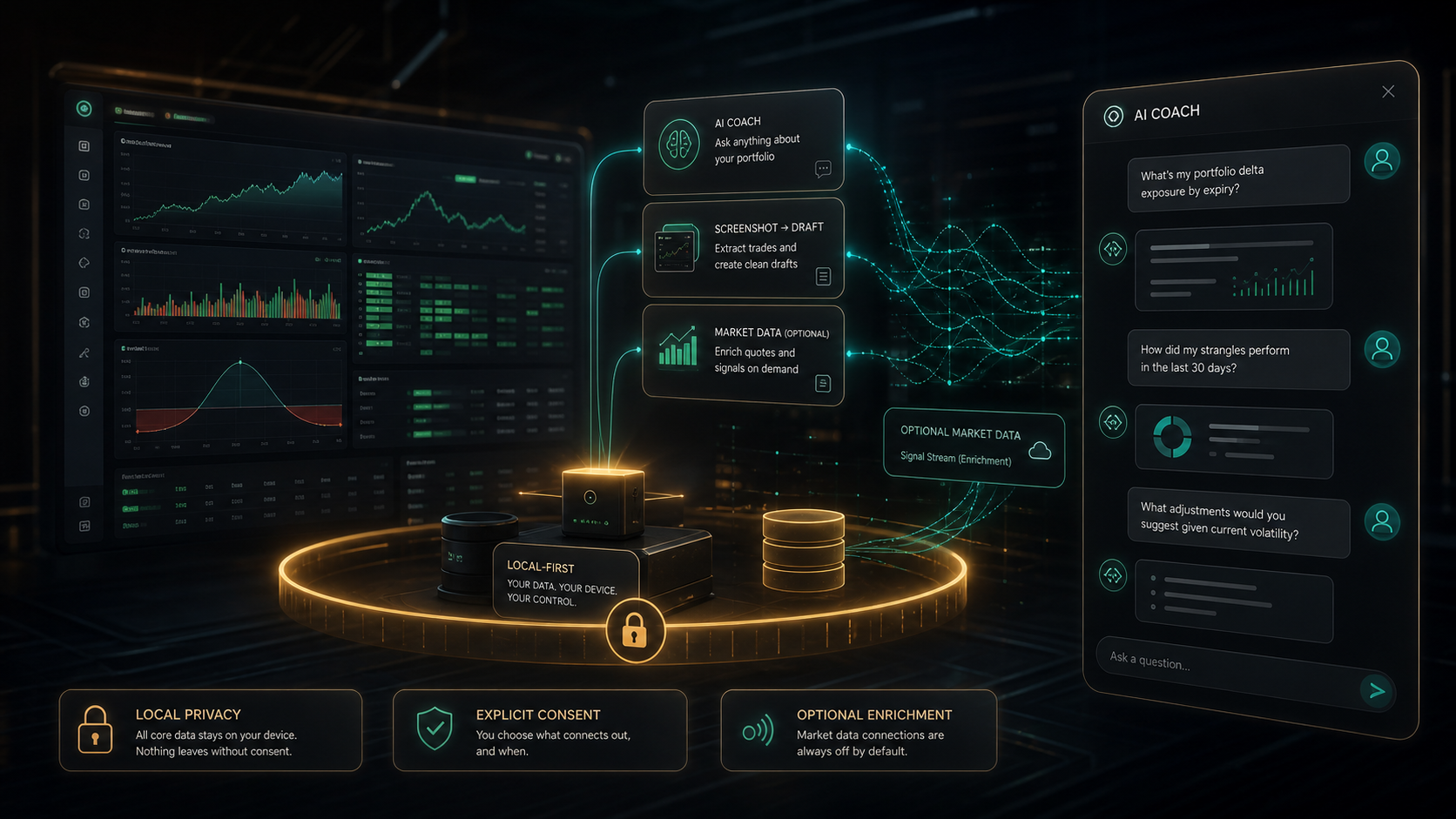
GammaLedger’s AI Coach is designed as an optional review assistant, not as an automated trading system. It can summarize portfolio context, answer questions about your trading history, help frame risk reviews, and extract draft trade legs from broker screenshots. You decide whether to configure it and what context to send.
That distinction matters. AI can help you notice patterns, but it should not replace your own trade plan, broker records, tax records, or risk process.
Setup
The AI Coach uses a Gemini-compatible API key configured in Settings. Current model options include Gemini 2.5 Flash Lite, Gemini 2.5 Flash, and Gemini 2.5 Pro. You can also adjust max output tokens for longer or shorter responses.
Keys are stored locally in the browser and may be encrypted when browser cryptography is available. Clearing browser storage or clearing the key in Settings removes access from that device.
Consent before context
Before using AI features, GammaLedger shows a data-sharing notice. That notice is there because AI requests may include portfolio summaries, open position snapshots, chat history, screenshots, filenames, and other metadata needed to answer the prompt or extract draft rows.
The local-first model still applies: GammaLedger does not silently send your full journal to an AI provider. The AI feature is opt-in, and you should use it only when you are comfortable with the provider’s terms and privacy practices.
Quick prompts
The AI panel includes quick prompts for common review tasks:
- Portfolio health.
- Risk check.
- Strategy ideas.
These prompts are useful starting points because they keep the request focused. A broad “analyze my portfolio” prompt can produce a broad answer. A narrower risk check can push the model toward position sizing, concentration, expiration, and assignment risks.
Better questions get better answers
The best AI Coach prompts combine a task with a constraint. For example:
- “Review my open positions and identify the largest concentration risk.”
- “Compare recent covered-call outcomes against cash-secured puts.”
- “Which active positions look most exposed to assignment based on the available data?”
- “Summarize what changed since my last import batch.”
The AI response is only as good as the journal context. Missing fills, unreviewed imports, incorrect fees, or stale prices can produce weak analysis.
Screenshot extraction
The AI Coach also supports broker screenshot extraction. Attach a screenshot of trade history, then request draft-leg extraction. GammaLedger asks the model to identify visible rows and prepares draft trades for review.
This workflow is intentionally conservative:
- The screenshot is processed as a draft source.
- Extracted rows show confidence and warnings.
- You can edit fields before import.
- Draft trades enter the review queue.
- You approve, merge, edit, or discard them before trusting the data.
That makes screenshot extraction a time saver, not an accounting authority.
How to use AI responsibly
Use the AI Coach for review, explanation, and second-pass pattern recognition. Do not use it as a broker, advisor, signal service, or tax preparer.
A practical workflow:
- Import and review trades first.
- Confirm dashboard metrics look reasonable.
- Ask the AI Coach a focused question.
- Treat the response as a checklist.
- Verify conclusions against the underlying trades.
GammaLedger’s AI feature is most useful when it helps you ask better questions about your own data.