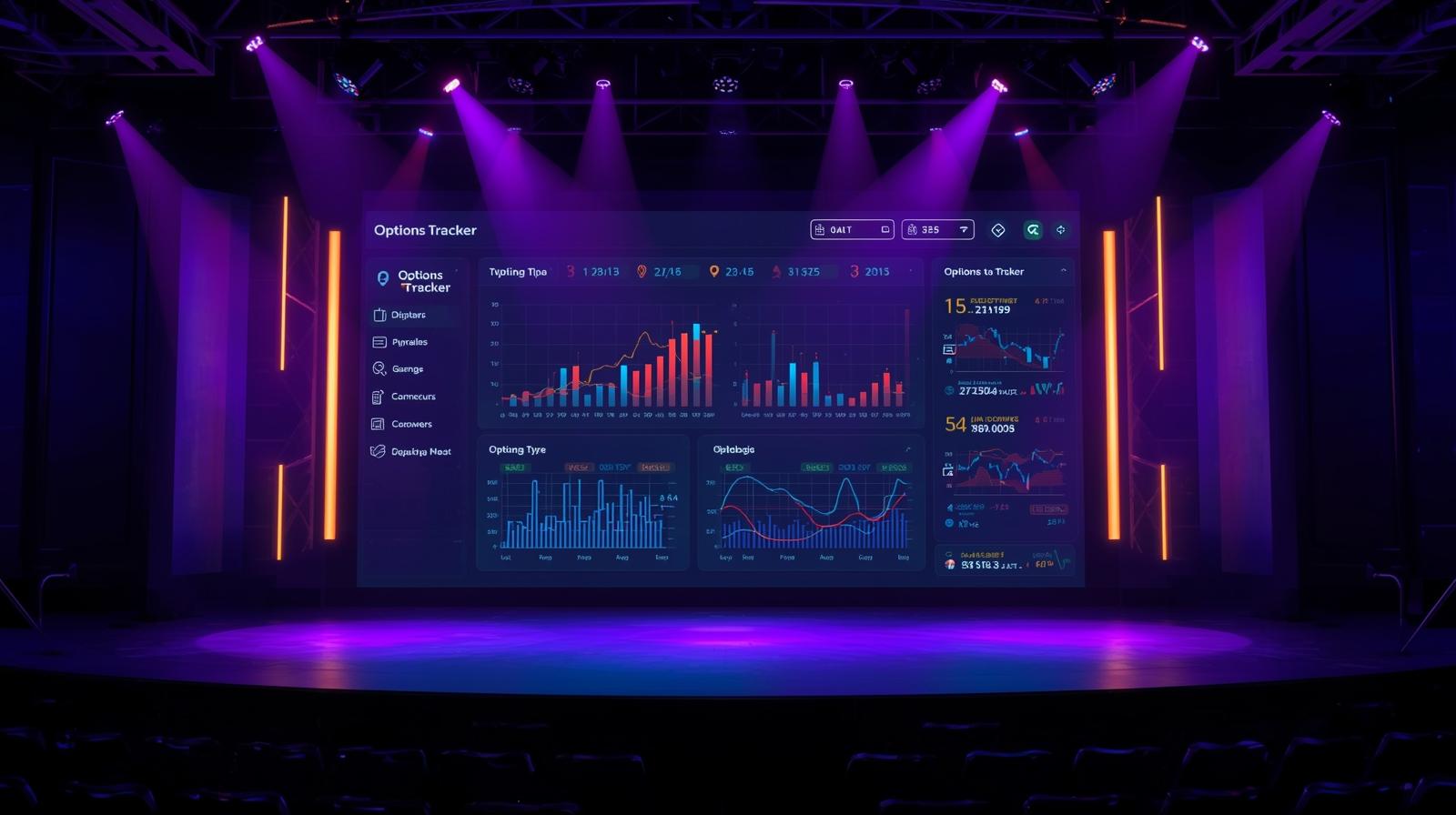
Welcome to GammaLedger! This guide will help you get started with tracking and analyzing your options portfolio.
What is GammaLedger?
GammaLedger is a powerful, privacy-focused options trading analytics platform that runs entirely in your browser. All your data stays on your device—no servers, no tracking, complete control.
Quick Start
1. Launch the Application
Simply navigate to GammaLedger App and the application will load in your browser.
2. Import Your Trade Data
GammaLedger supports importing trade data from popular brokers:
- TD Ameritrade/Schwab: Export your trades as CSV
- Interactive Brokers: Use the Flex Query system
- E*TRADE: Export transaction history
- Manual Entry: Add trades one by one
To import data: 1. Click the Import button in the top navigation 2. Select your broker format 3. Upload your CSV or JSON file 4. Review and confirm the imported trades
3. Explore Your Dashboard
Once your trades are imported, you’ll see:
- Active Positions: Current open trades with real-time metrics
- Performance Analytics: P&L charts, win rates, and strategy breakdown
- Trade History: Complete audit trail of all your trades
- Strategy Trackers: Specialized views for Wheel, PMCC, and other strategies
Key Features
Real-Time Quote Integration
GammaLedger integrates with Finnhub to provide real-time market data:
- Go to Settings → API Configuration
- Enter your Finnhub API key (free tier available)
- Enable auto-refresh for live updates
Strategy Tracking
GammaLedger automatically categorizes your trades:
- Wheel Strategy: Cash-secured puts rolling into covered calls
- PMCC (Poor Man's Covered Call): LEAPS-based diagonal spreads
- Credit Spreads: Vertical spreads for defined risk
- Iron Condors: Range-bound strategies
Privacy First
All calculations happen in your browser: - ✅ No data sent to external servers - ✅ localStorage for persistence - ✅ Export/backup your data anytime - ✅ Open source and transparent
Pro Tips
Backup Your Data
Regularly export your data: 1. Click Settings → Export Data 2. Save the JSON file to a secure location 3. Use version control (optional but recommended)
Customize Your Views
- Adjust column visibility in tables
- Set custom date ranges for analytics
- Configure profit/loss display preferences
Track Multiple Accounts
Use the account grouping feature to separate: - Different brokers - Tax-advantaged vs taxable accounts - Paper trading vs live trading
Next Steps
- Read our Understanding the Wheel Strategy guide
- Join our Discord Community
- Check out the GitHub Repository
Need Help?
Happy Trading! Remember: Past performance does not guarantee future results. Options trading involves risk.