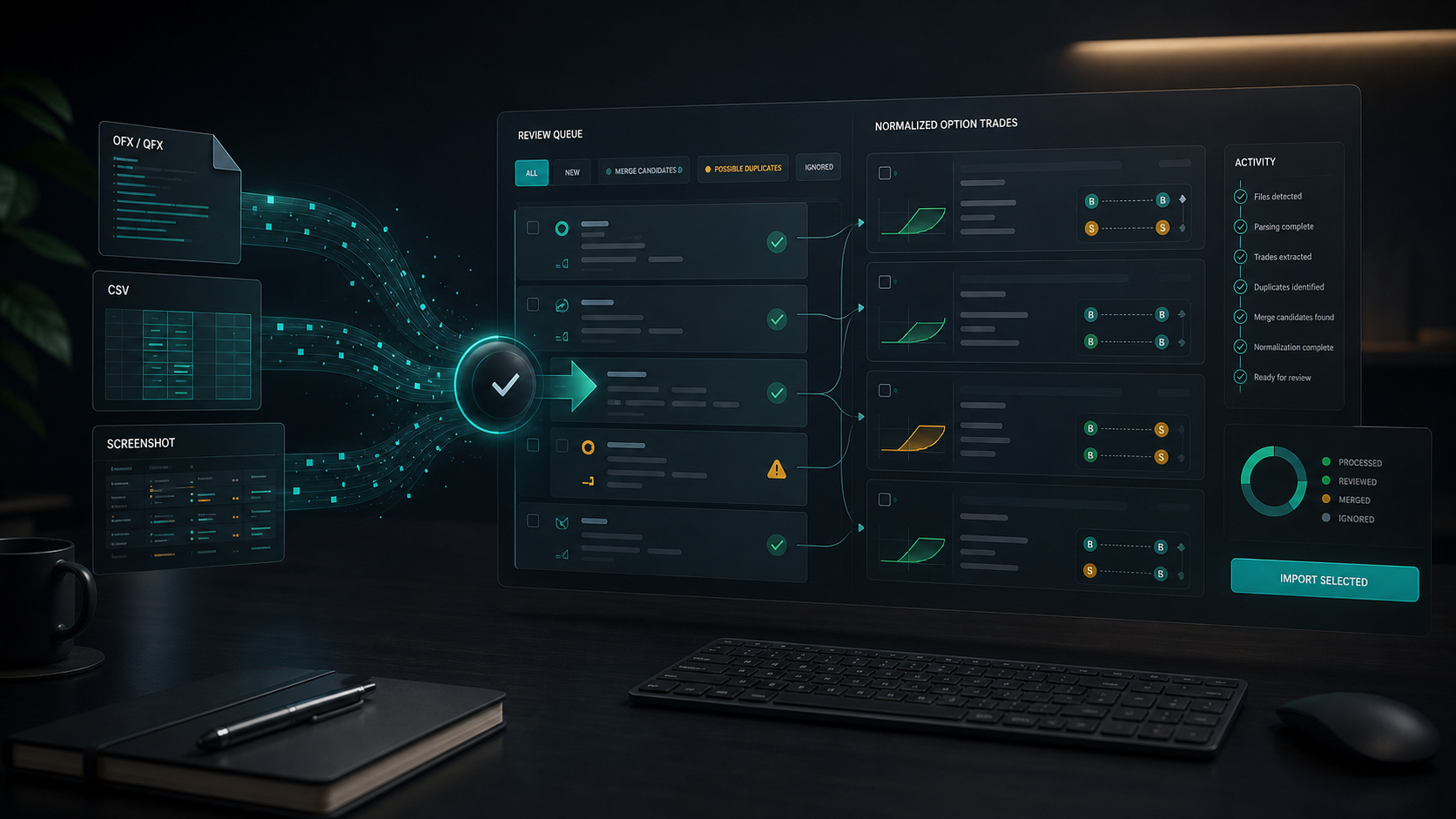
Manual entry is useful for precision, but active options traders often need a faster way to bring trade history into a journal. GammaLedger’s import view is designed for that reality: broker files come in, the app normalizes them into trade legs, and anything uncertain goes into a review workflow instead of silently corrupting the portfolio.
The current import surface supports three practical paths:
- OFX and QFX activity files.
- Robinhood CSV exports.
- AI Coach screenshot extraction for draft trade legs.
Each path has a different job. OFX/QFX is best for structured broker exports. Robinhood CSV handles Robinhood’s trade history format. AI screenshots are a review-first fallback when the source is visual rather than a clean data file.
OFX and QFX import
OFX and QFX files are common brokerage export formats. GammaLedger parses the file, identifies transactions, maps option fields, and creates normalized legs with execution date, order type, quantity, strike, expiration, premium, fees, and import provenance.
The import process also checks for external IDs so re-importing the same file does not create duplicate legs. That matters when you are reconciling a history export and need to run the same file again after fixing a mapping or reviewing an earlier import.
Robinhood CSV import
Robinhood exports need a different parser. GammaLedger reads the CSV rows, interprets option and stock activity, calculates fees when they can be derived from totals, and groups related entries.
The importer handles common trading-journal pain points:
- Split fills are consolidated into one leg with a quantity-weighted average price.
- Opening legs are grouped into trades by ticker, option type, strike, and expiration.
- Closing legs are matched against existing open positions where possible.
- Assignment and stock activity can be consolidated into Wheel-style lifecycle records.
- Roll-like BTC/STO activity can be merged into a coherent trade history.
The goal is not to hide complexity. The goal is to put complexity where it belongs: in a reviewable transaction log instead of in hand-edited spreadsheet rows.
AI screenshot drafts
Sometimes the only practical source is a screenshot from a broker’s trade history page. GammaLedger’s AI Coach can accept an image, extract visible trade rows, and prepare draft legs for review.
This is intentionally not a blind import. Extracted rows land in a review table where you can inspect and edit ticker, action, instrument type, quantity, date, expiration, strike, price, and fees before importing. Low-confidence fields and missing values are flagged.
After import, screenshot-derived trades enter the same review queue as other uncertain imports. You approve, edit, merge, or discard them before they should be treated as trusted journal data.
The review queue is the safety layer
Broker history is messy. Closing legs may not match an open position because the opening trade is missing. A roll may arrive as separate trades. A screenshot may omit a column. A split fill may need consolidation.
GammaLedger handles that with a review queue. Pending trades show their source, ticker, leg count, date, and a compact leg preview. From there you can approve a trade as-is, edit it, merge selected imports, or discard bad rows.
This makes import a controlled workflow:
- Bring in the raw activity.
- Let GammaLedger normalize what it can.
- Review uncertain records.
- Merge related trades by ticker when needed.
- Save the resulting portfolio.
That approach is slower than “upload and trust everything,” but it is much safer for options accounting. One misplaced closing leg can distort P&L, open-contract counts, and lifecycle status. The review queue keeps those decisions visible.
A practical import habit
Import in batches, then review immediately. Do not wait until dozens of uncertain records pile up. After each broker export, check the latest import summary, inspect the log, approve clean records, and merge related trades while the execution history is still fresh.
GammaLedger gives you the tools to move quickly, but the best results still come from trader review. Imported data should accelerate your journal, not replace your judgment.