The value of a trading journal comes from repetition. A perfect dashboard does not help if it is opened only after a large loss. GammaLedger works best when it becomes part of a weekly review ritual: import, reconcile, analyze, decide, and back up.
Here is a practical workflow for active options traders.
1. Import and reconcile first
Start with the raw activity. Import OFX/QFX files, Robinhood CSV files, or AI screenshot drafts where needed. Then open the review queue before looking at performance charts.
Resolve the basics:
- Approve clean imported trades.
- Edit missing or ambiguous fields.
- Merge related trades by ticker.
- Discard bad screenshot drafts.
- Confirm duplicate imports were skipped.
Analytics are only useful after the ledger is clean.
2. Check open positions
Open positions deserve attention before closed-trade performance. Review active trades for expiration, moneyness, assignment risk, coverage, and concentration.
For Wheel and PMCC positions, check whether short calls are covered, whether assigned shares have an effective cost basis, and whether rolls changed the true risk. If Finnhub is configured, use market context to check live price, earnings proximity, and related news.
3. Read the dashboard
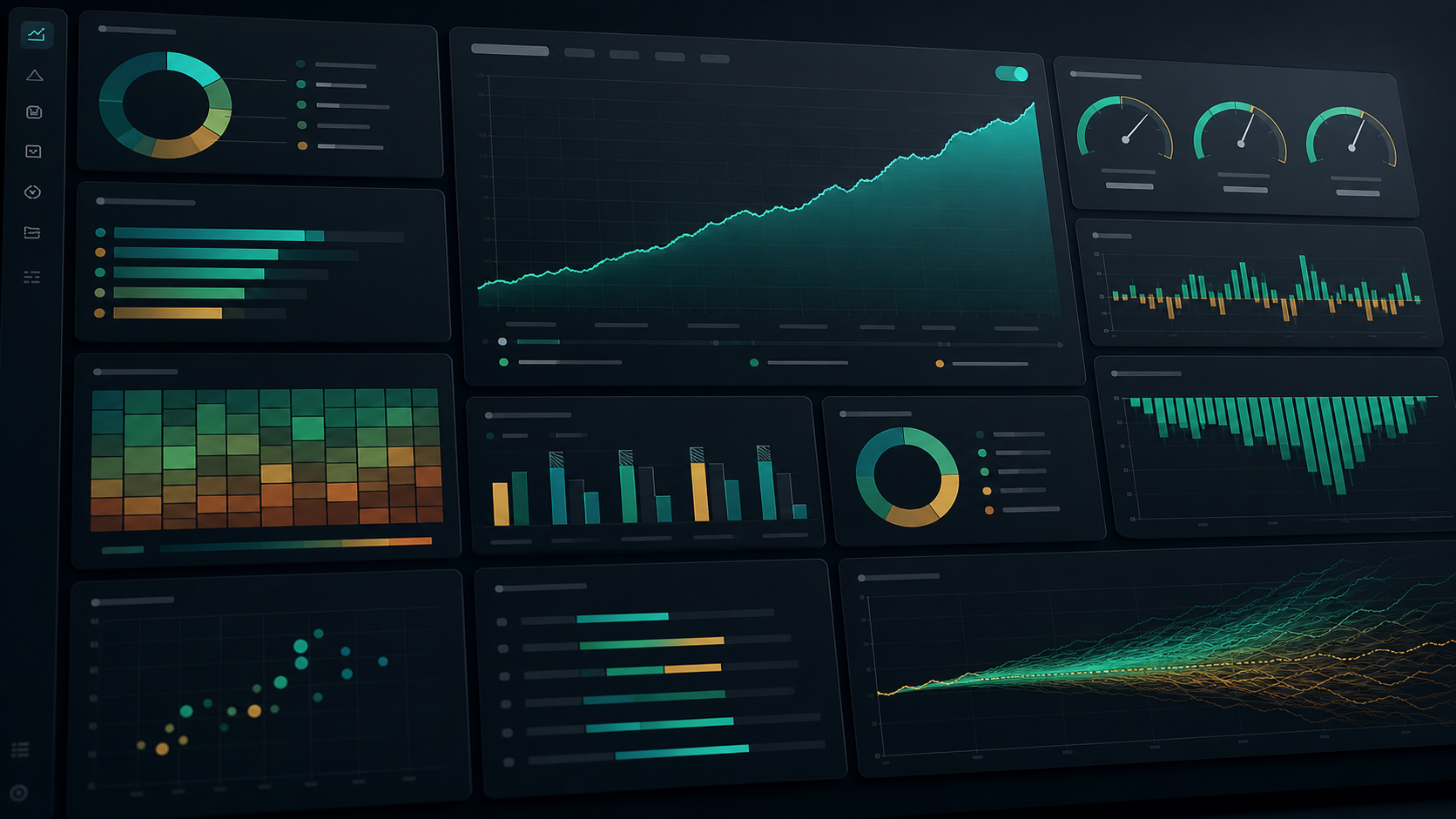
After reconciliation and open-risk review, move to the dashboard. Start with cumulative P&L, then inspect strategy performance, win rate by strategy, commission impact, ticker heatmap, time in trade, and projection views.
The goal is not to admire the charts. The goal is to find one or two decisions:
- Reduce size in a weak ticker.
- Stop using a strategy that has poor expectancy.
- Tighten exit rules for trades that stay open too long.
- Avoid rolling positions that repeatedly increase risk.
- Review fees on complex spreads.
4. Use the Credit Playbook
If you sell premium, open the Credit Playbook and filter by the period you care about. Compare active and closed credit trades. Look at premium, risk per contract, days held, P&L, and ROI together.
This view is especially useful for deciding whether a setup is repeatable. A trade that looks good in isolation may look weak when compared with other premium-selling opportunities.
5. Ask a focused AI question
If the AI Coach is configured, ask one narrow question. For example:
- “What is the largest open risk in the current portfolio?”
- “Which strategy has performed worst over the last 90 days?”
- “Summarize assigned positions that need coverage review.”
Treat the response as a prompt for your own inspection. Verify the underlying trades before changing a plan.
6. Write notes and export
Close the loop with notes. Update trade notes for important decisions, especially rolls, assignments, thesis changes, and exits. Then export a JSON backup.
This final step protects the work. If you spent time cleaning imports and updating notes, preserve that state outside browser storage.
Keep the ritual small
A weekly review does not need to take hours. The point is consistency:
- Clean the ledger.
- Review open risk.
- Compare strategy outcomes.
- Decide one adjustment.
- Back up the database.
GammaLedger provides the surfaces. The edge comes from using them regularly.